Select currency
Choose from USD first, followed by current currencies used around the world.

Choose your currency, enter your business name, optionally upload your logo, then type the customer and line items. No account, no profile setup and no need to write currency inside the prompt.
Invoice to Acme Ltd
with 18% tax exclusive
4 x Chair @ 2000
1 x Table @ 10000
Choose currency first, add your business details and logo, then describe the invoice in a few simple lines. Currency is never guessed from your location.
Create a temporary invoice, review every value, download it and move on. The required currency selector replaces profile-based currency settings, while logo upload lets even a one-time document carry your business identity.
Choose from USD first, followed by current currencies used around the world.
Optional PNG, JPG or WebP logo appears on the invoice and PDF.
Use simple lines such as 4 x Chair @ 2000.
Change customer, items, tax, discount, dates and notes before PDF export.
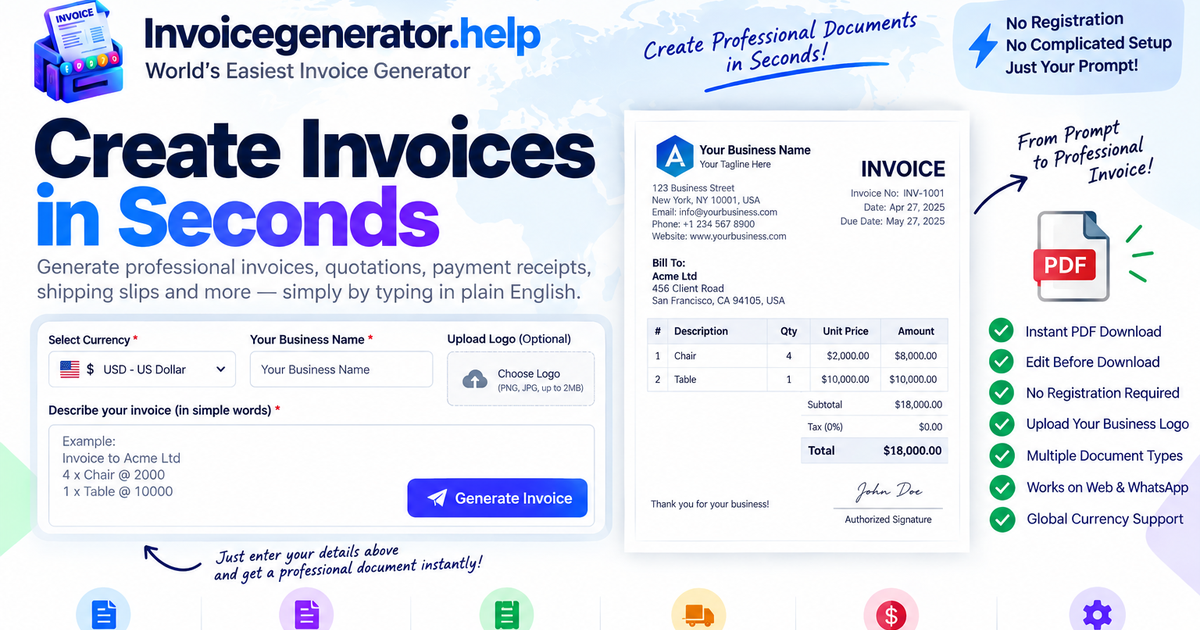
Currency is already selected above, so these prompts contain only the customer, tax instruction if needed, quantity, description and rate.
Invoice to Acme Ltd
4 x Chair @ 2000
1 x Table @ 10000
Invoice Malhotra Industries
with 18% GST exclusive
5 x Pencil @ 50
2 x Office Chair @ 2000
Invoice Sharma Traders
with 18% GST inclusive
10 x Notebook @ 120
3 x Printer Cartridge @ 850
Invoice to Northstar LLC
with 20% VAT exclusive
2 x Consulting Day @ 450
1 x Setup Fee @ 200
Dedicated pages help visitors create the document they need and make each generator easier to discover in search.
Create an editable customer quote and download PDF.
Open generator → PAYROLLCreate a simple employee payslip with earnings, deductions and net pay.
Open generator → PAYMENTCreate a payment receipt/slip with amount, method and reference.
Open generator → SHIPPINGCreate a printable shipment slip with sender, recipient and package items.
Open generator →Start with “Hi” and follow the guided flow. Use WhatsApp when you want saved history and ongoing invoice tracking beyond a one-time browser document.
No. Currency is a required selector above the prompt. Choose USD, EUR, GBP, INR, AED or any other supported world currency there, then type item prices as plain numbers.
USD ($) is intentionally the first actual currency option for a global audience. A “Select currency” placeholder remains selected until you choose a currency, so document generation cannot continue accidentally with the wrong currency.
Yes. PNG, JPG and WebP files up to 2 MB are supported. The logo is read in your browser for the current document and is not included in the optional remembered business text details.
Yes. Write a phrase such as “with 18% GST inclusive” or “with 18% GST exclusive”. You can edit the tax label, rate and mode before downloading.
No. The page does not use geolocation to choose currency. You explicitly select it before generating the document.
Document parsing, editing, logo processing and PDF generation happen in your browser. If you tick “Remember”, business text fields are stored in local browser storage. Google Analytics is installed for aggregate site usage measurement; the generator does not send invoice field contents to Analytics.